![Nojumi_Logo_Screen_RGB.png]](https://help.nojumi.com/hs-fs/hubfs/Nojumi_Logo_Screen_RGB.png?width=200&height=70&name=Nojumi_Logo_Screen_RGB.png)
The process of reconciliation allows you to review completed transactions, identify unmatched items, and confirm that your account balances are accurate.
1. From the sidebar select accounting, then click bank account
2. Click your general account.
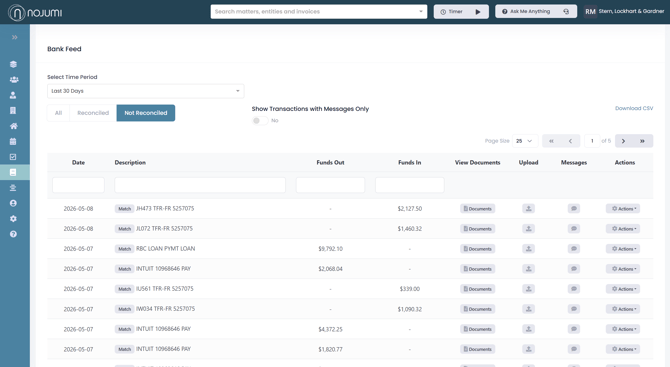
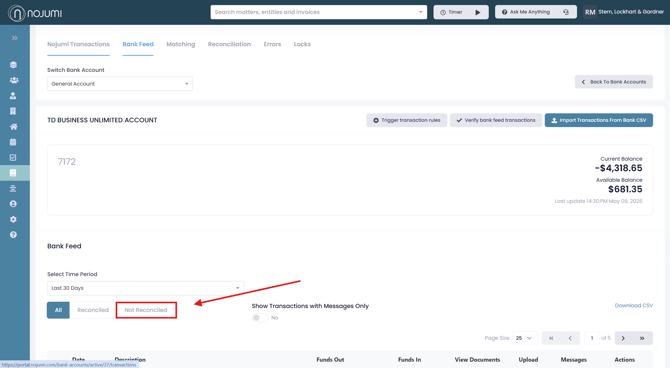
3. Click "Bank Feed" then click on Not Reconciled
4. Here, you can view all unreconciled transactions. These transactions should be reviewed and reconciled to ensure your records remain accurate. Firms must complete this process on a monthly basis.