![Nojumi_Logo_Screen_RGB.png]](https://help.nojumi.com/hs-fs/hubfs/Nojumi_Logo_Screen_RGB.png?width=200&height=70&name=Nojumi_Logo_Screen_RGB.png)
This help page explains how to correctly match two or more portal transactions to one bank feed transaction to ensure your records remain accurate and properly reconciled.
1. Go to the matching page.
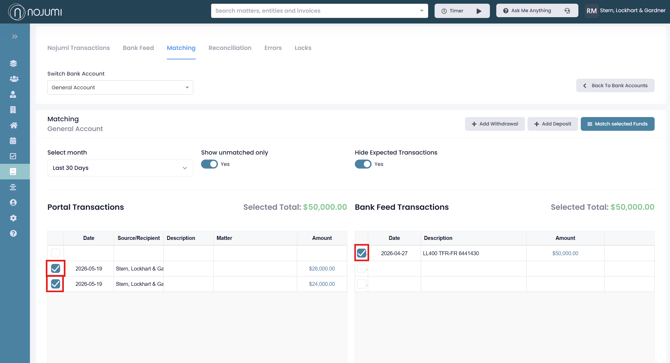
2. Select the transactions you want to match by clicking the checkbox on the left-hand side of each transaction. When the Selected Totals for Portal Transactions and Bank Feed Transactions are equal the transactions are ready to be matched.
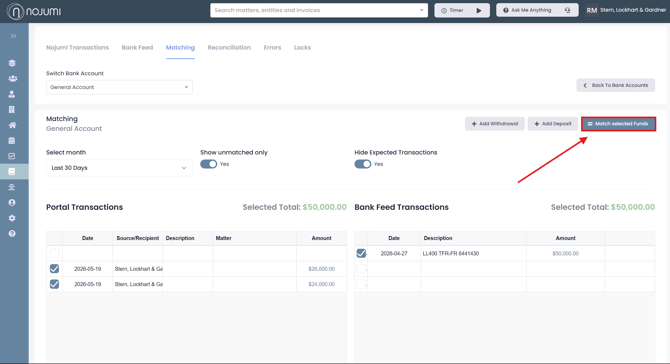
3. Select "Match selected Funds"