![Nojumi_Logo_Screen_RGB.png]](https://help.nojumi.com/hs-fs/hubfs/Nojumi_Logo_Screen_RGB.png?width=200&height=70&name=Nojumi_Logo_Screen_RGB.png)
In order to do this complete the following steps.
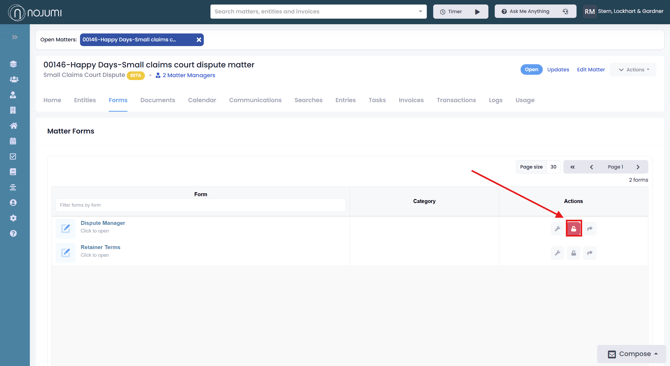
1. Open the Matter Forms Page.
2. If another person is currently inside the form it will be locked, if you wish to unlock the form click the lock button.
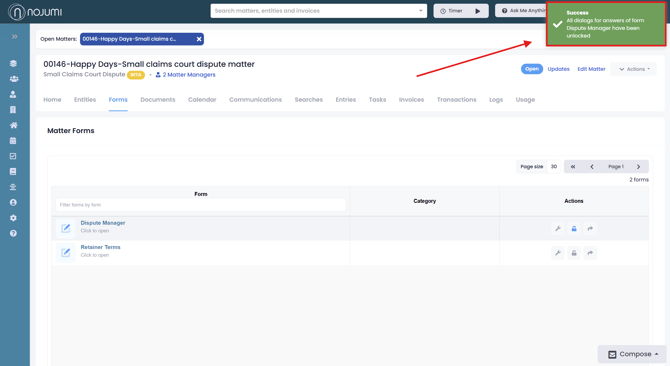
3. Once the button is selected the form will unlock and you will receive the "success" message in green. You can then enter and edit the form.