![Nojumi_Logo_Screen_RGB.png]](https://help.nojumi.com/hs-fs/hubfs/Nojumi_Logo_Screen_RGB.png?width=200&height=70&name=Nojumi_Logo_Screen_RGB.png)
Setting a daily task duration limit helps prevent you from being overbooked. It defines how many hours you’re available to work each day (for example, 8 hours). Without this limit, you or your team may schedule more work than can realistically be completed.
- Click on My Profile on the sidebar
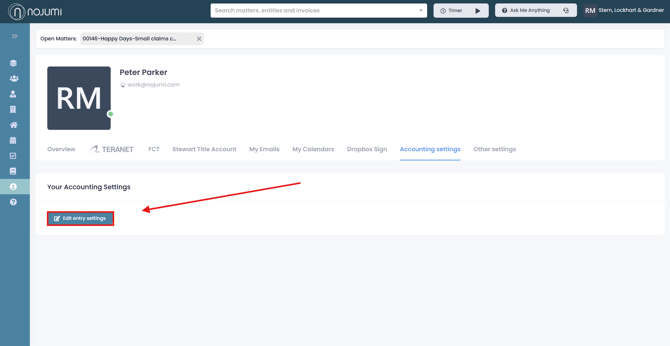
- Click on the Accounting settings tab and click on Edit entry settings
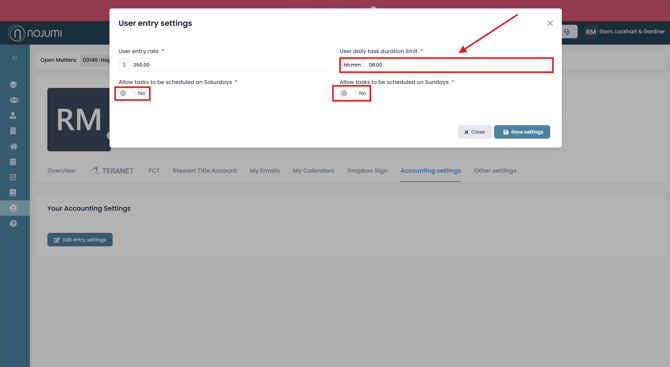
- Enter your daily duration limit and click ‘Save Settings.’ You can also use the toggles at the bottom to allow tasks to be scheduled on Saturdays and Sundays.