![Nojumi_Logo_Screen_RGB.png]](https://help.nojumi.com/hs-fs/hubfs/Nojumi_Logo_Screen_RGB.png?width=200&height=70&name=Nojumi_Logo_Screen_RGB.png)
- Complete the title search using Nojumi's integration with Teraview
- Complete the writ searches using Nojumi's integration with Teraview
- Open the Purchase Closing Form
- Ensure that the correct property is selected under the Property tab
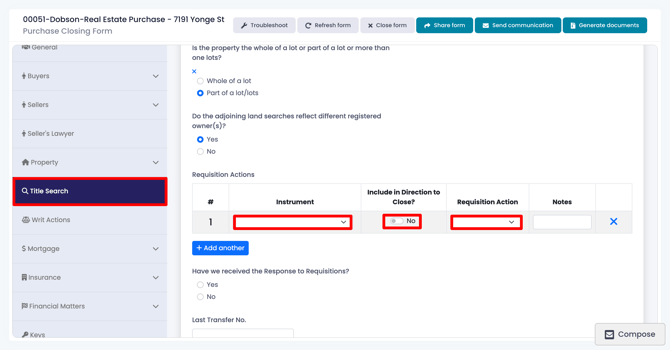
- Click on the Title Search tab, answer the questions and on the Requisition Action table select the instruments that you wish to requisition, and
- select whether you wish to include the requisition letter in the Direction to Close (Direction to Close is a document signed by the buyer instructing the solicitor to close in spite of the existence of certain instruments. By way of an example, if an easement is to remain on title and the solicitor wishes to ensure the client acknowledges having been informed of the instrument, the solicitor can add the instrument to the Direction to Close)
- under Requisition Actions, select the instruments that you wish to requisition and indicate whether you require a discharge of the instrument on closing (such as with a private mortgage) or if you will accept an undertaking (as you would with an institutional mortgage)
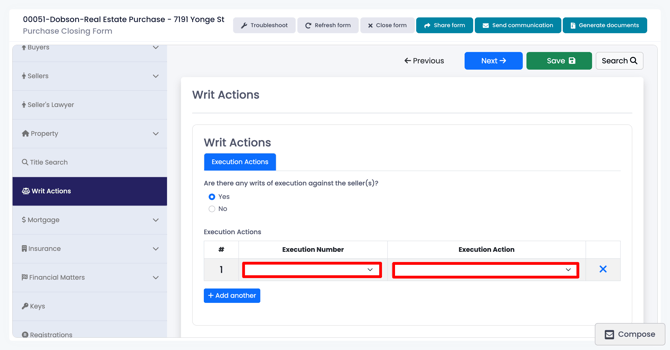
- Click on the Writ Actions tab and if there are any writs against the seller, on the Execution Actions table select the writs that you wish to requisition
- Under the Requisitions and Responses tab, click on the Requisition Letter tab, and take the following steps to finalize the requisitions:
- Enter the date of the requisition letter at the top of the page.
- Review the requisitions that have been prepared by Nojumi. Note that these consist of all the default requisitions as well as the requisitions that have been added by Nojumi due to the circumstances of your specific matter.
- If you wish to edit any of the requisitions, click on the Edit button next to that requisition and make the required changes.
- If you wish to add a new requisition, click on the Add Requisition button to add the requisition.
- Click on Generate Documents at the top right of the form
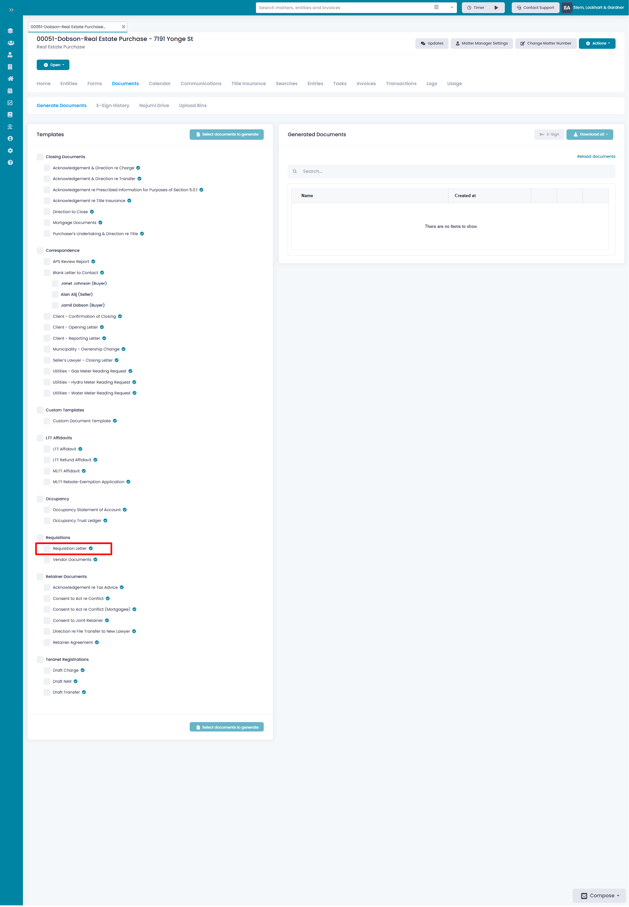
- On the document generation page select the Requisition Letter and click on Generate Documents