![Nojumi_Logo_Screen_RGB.png]](https://help.nojumi.com/hs-fs/hubfs/Nojumi_Logo_Screen_RGB.png?width=200&height=70&name=Nojumi_Logo_Screen_RGB.png)
From time to time, you may wish to unlink a parcel (PIN) from a property and link it to a new property.
How to unlink a parcel from a property
To unlink a parcel from a property
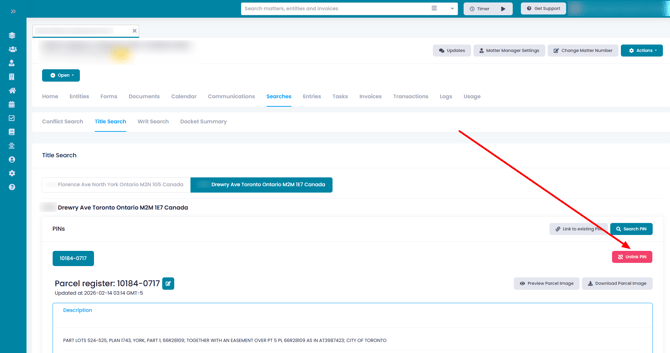
- Browse the Matter Title Search Page, and click on the Unlink PIN
- On the modal that appears, confirm that you wish to unlink the PIN
- Once completed, you will see a message stating that no PINs have been requested for this property
How to link the parcel to a new property
To link a parcel to a property
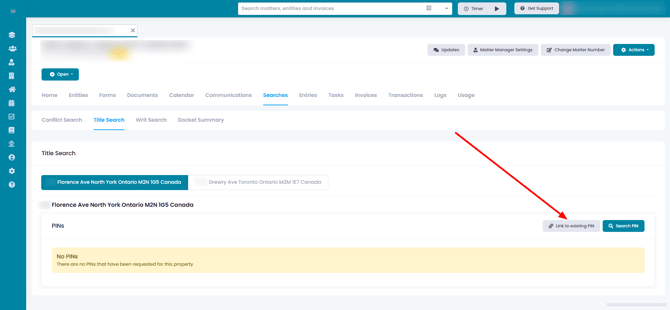
- Browse the Matter Title Search Page, and click on Link to existing PIN
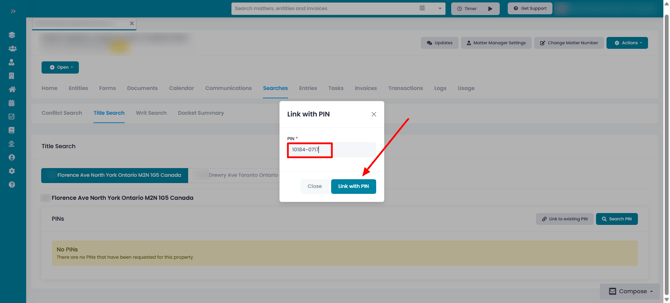
- On the modal that appears, enter the PIN and click on Link with PIN