![Nojumi_Logo_Screen_RGB.png]](https://help.nojumi.com/hs-fs/hubfs/Nojumi_Logo_Screen_RGB.png?width=200&height=70&name=Nojumi_Logo_Screen_RGB.png)
- Browse the Matter Entries Page and click on the Add disbursements button
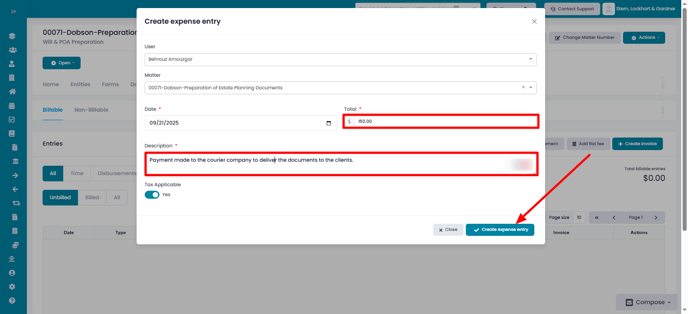
- In the modal that appears, enter the total amount of the disbursement as well as the description of the disbursement, and click on Create expense entry
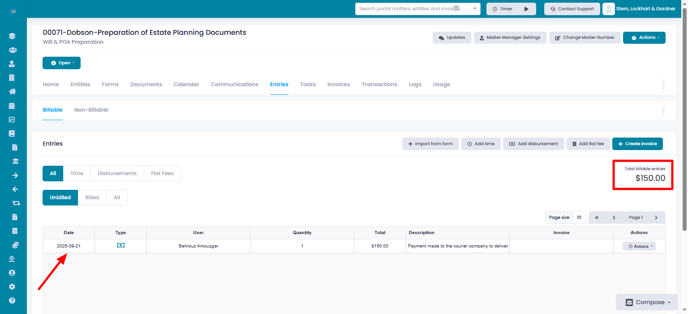
- The disbursement entry will then be shown as an entry, and the Total billable entries is updated to reflect the added disbursement