![Nojumi_Logo_Screen_RGB.png]](https://help.nojumi.com/hs-fs/hubfs/Nojumi_Logo_Screen_RGB.png?width=200&height=70&name=Nojumi_Logo_Screen_RGB.png)
Before adding designations, you must first add an RRSP, RRIF, or TFSA as an asset for the testator.
1. Open the Wills and POAs form.
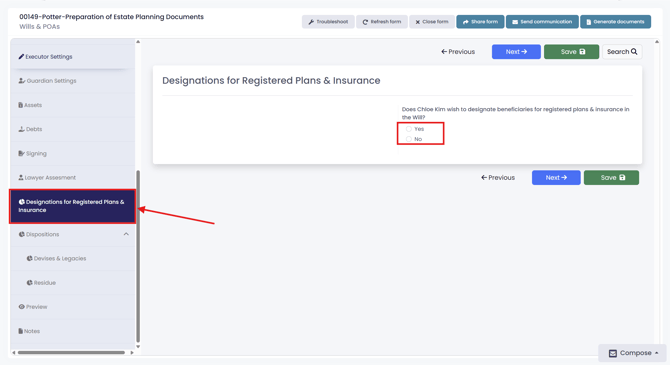
2. Click on “Designations for Registered Plans & Insurance,” then answer the question: “Does the testator wish to designate beneficiaries for registered plans and insurance in the Will?”
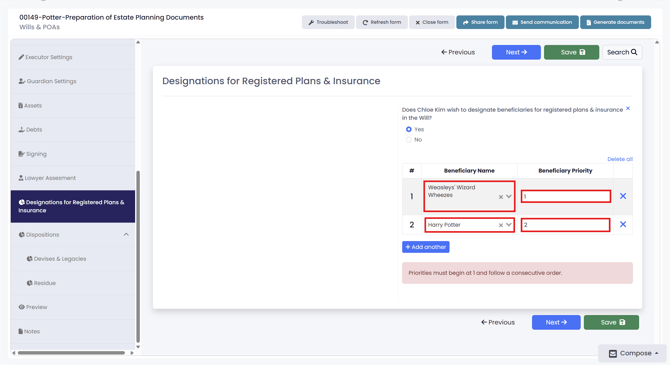
3. If the answer is “Yes,” enter the beneficiaries and assign their priorities.
Note: Attorney priorities must be ranked in numerical order. If two or more attorneys are to act together you should assign the same priority number, and specify the decision making mechanism among them.