![Nojumi_Logo_Screen_RGB.png]](https://help.nojumi.com/hs-fs/hubfs/Nojumi_Logo_Screen_RGB.png?width=200&height=70&name=Nojumi_Logo_Screen_RGB.png)
1. Click on My Profile on the sidebar
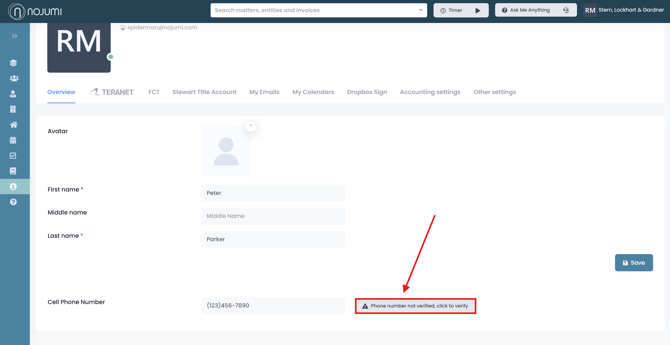
2. Add your phone number.
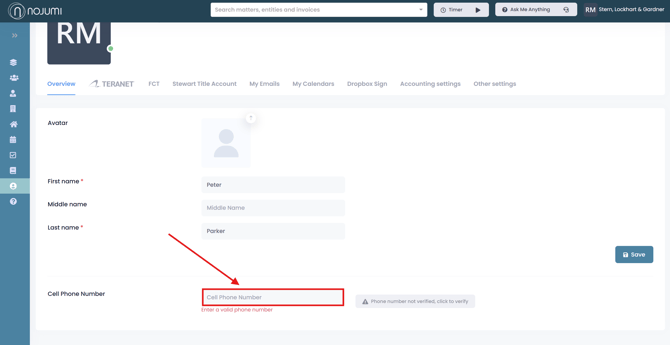
3. Then click "phone number not verified, click to verify". A 6 digit code will be sent to your phone number via SMS, enter the code and your phone will be verified and saved onto your profile.