![Nojumi_Logo_Screen_RGB.png]](https://help.nojumi.com/hs-fs/hubfs/Nojumi_Logo_Screen_RGB.png?width=200&height=70&name=Nojumi_Logo_Screen_RGB.png)
Adding a supplier (or vendor) to your system ensures you can quickly select them from a dropdown menu when logging future expenses or bills.
Here are the quick steps to add a new supplier:
- Navigate to Accounting and click on Accounts Payable
- Select the Suppliers tab
- Click + Add Supplier in the top right corner of the screen
- Fill in all the required supplier details
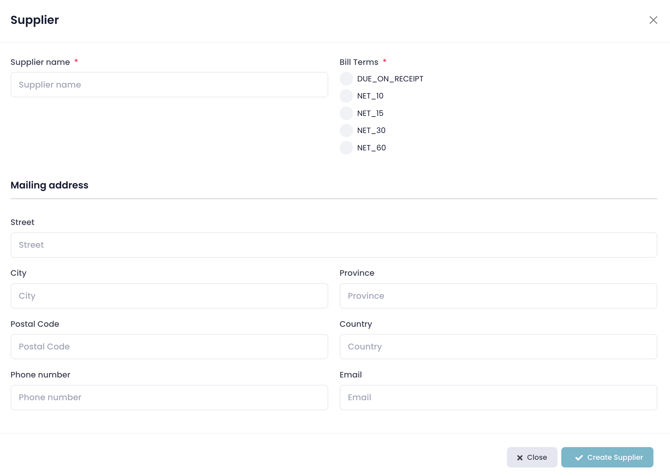
- Click Create Supplier